iPhone 11 ✅
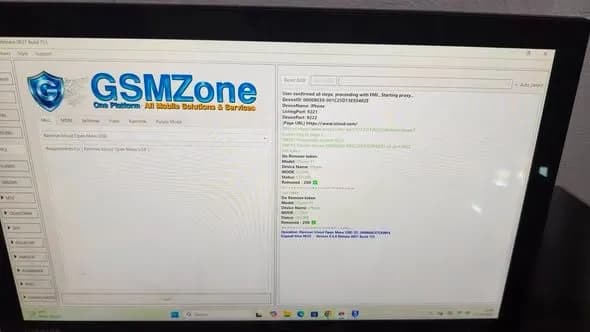
Remove iCloud Open Menu USB 💯
EFT Pro 👑
1- Open : EFT Pro go to Apple
> Misc
> Remove iCloud Open Menu USB
> Press Start
2- Go to Settings - Safari - Advanced - Web Inspector, and turn it On
3- Open SaFari : icloud.com
4- Back to EFT Pro
> Press Sign In
> Press Yes
5- Now Enter PassCode
Job Done.
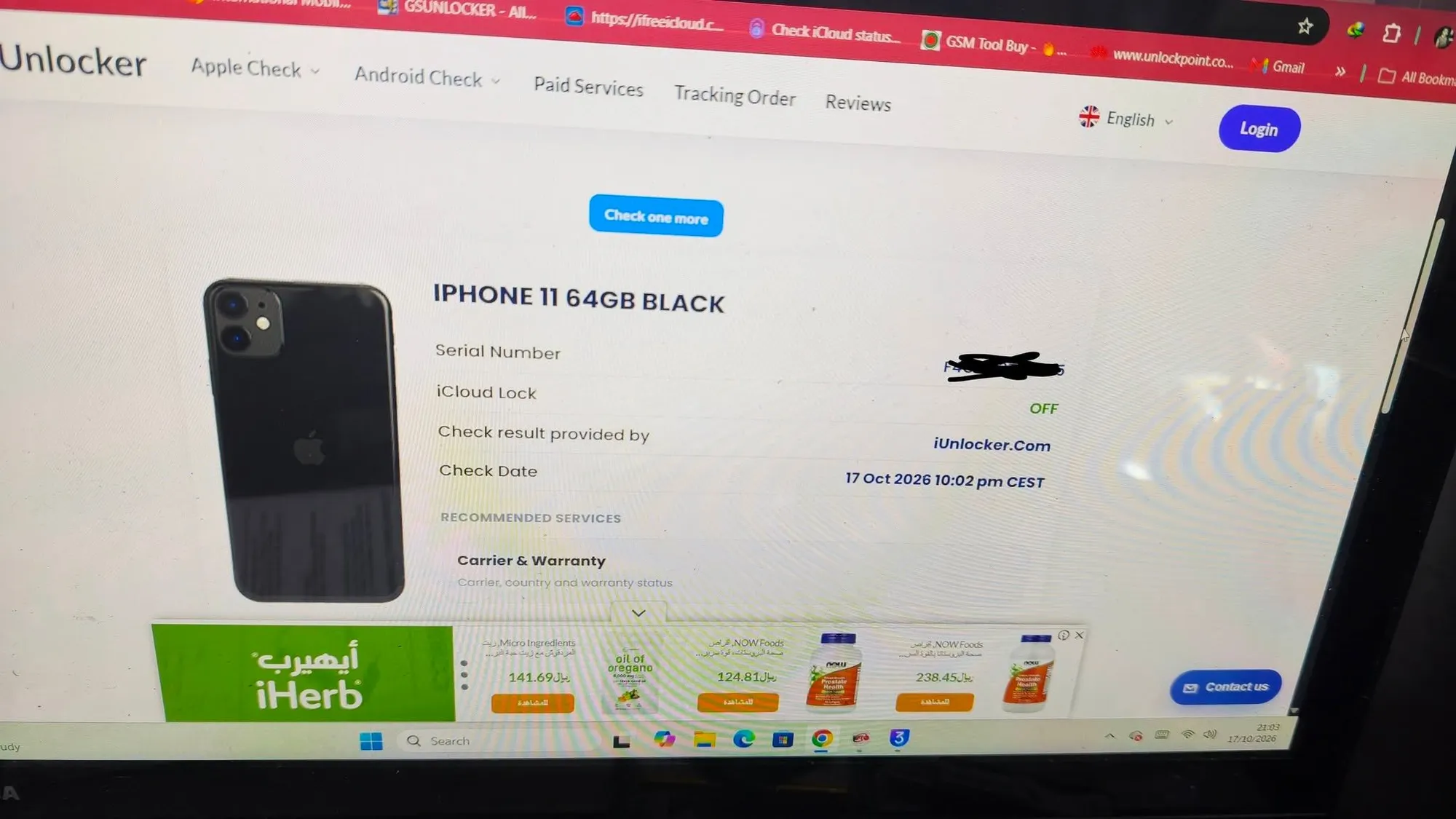
6- Check FMI OFF
7- Erase or Flash device
Full Steps On Channal Youtube EFT Dongle
https://www.youtube.com/watch?v=9s_vJvBjUXc
ادخل ع اعدادات تروح ع سفاري تعمل مسح بيانات له
بعد ذلك تغلق دونغل كامل وترجع تفتح
وتروح ع اوبن مينو وتضغط ستارت بعدها تدخل ع سفاري ع icloud.com لا تحط رمز اضغط كلمة موافق أو نعم على دونغل بس كمل بعدها تكتب كلمة السر قفل شاشه على موقع ايكلاود
Go to Settings, then Safari, and clear its data.
Next close the dongle and then reopen it.
Go to the Open Menu and click Start. Then, go to Safari and navigate to icloud.com. Don't enter a passcode; just click OK o
Comments
Sign in to comment